
Stuck alone at an elite quest? A call for help ("Hilferuf") marks you with a red cross on the map and gives the whole guild a pop-up notice. Officers set meeting points ("Treffpunkt") as a yellow star – where they stand, or by clicking the world map.
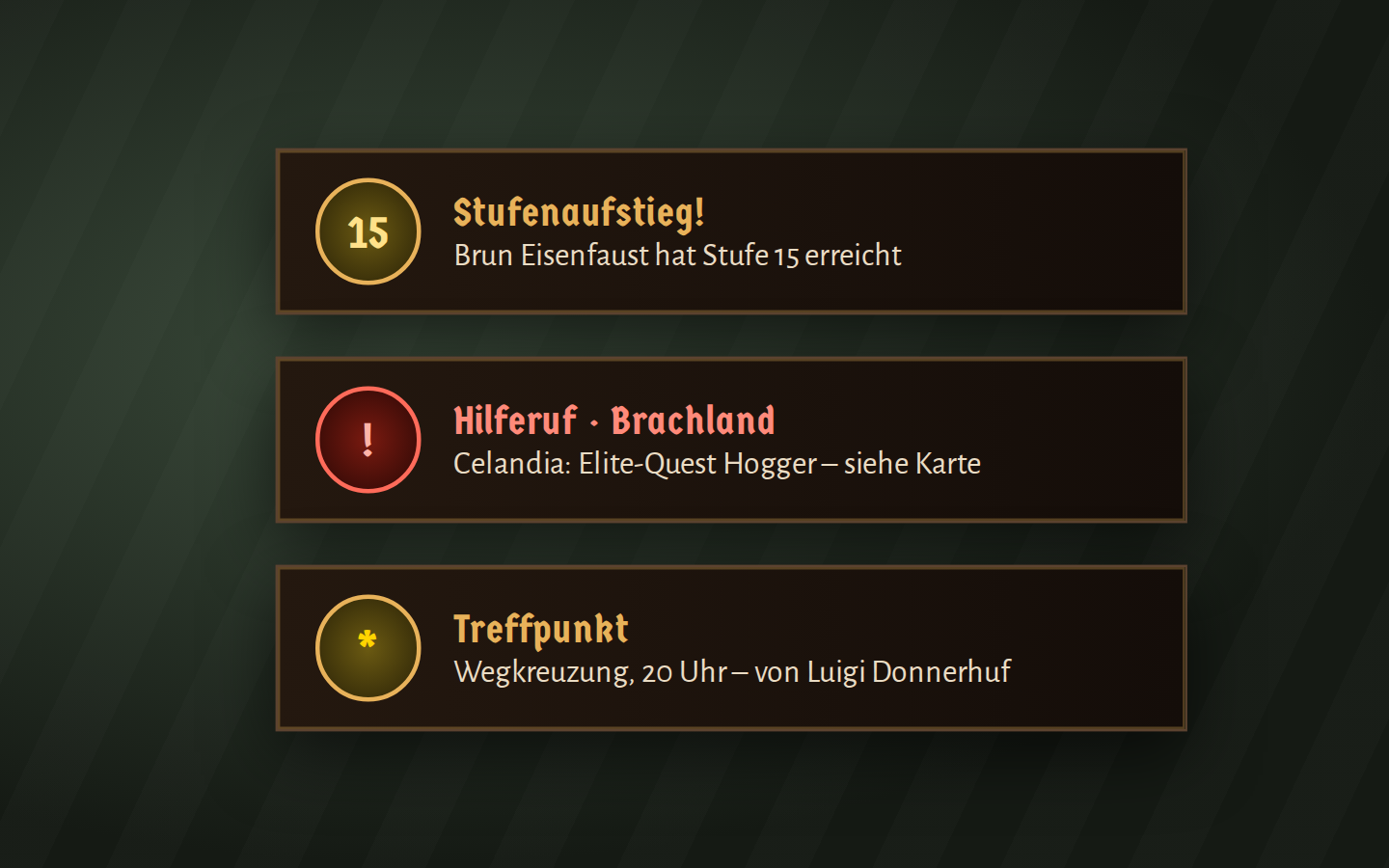
Sending a call for help
- In the guild window, click Hilferuf at the bottom.
- Write briefly what you need, e.g. "elite quest at the tower, need 2 people".
- Click Senden (send) or press Enter.
Or straight from chat: /sigrid hilfe <text>. Without text it says "Brauche Hilfe!" (need help!).
The call is placed where you stand when you send it. The guild gets:
- a red notice "Hilferuf · zone" with your text, and a sound,
- a chat line,
- a red cross on the world map and minimap (on the minimap it sticks to the edge and points the way).
Clicking the notice opens the map.
Ending a call for help
- the "Hilferuf beenden" (end call) button in the guild window, or
/sigrid hilfe aus, or- right-click your own cross or the notice.
A call also ends by itself after 10 minutes, or when you go offline (after 60 seconds without a sign of life).
Hiding or deleting other people's calls
Right-click a red cross (world map or minimap) or the notice:
- your own call → it ends,
- as an officer → it is deleted for everyone (the sender is told in chat),
- otherwise → it is hidden just for you until that person sends a new call.
Officers can also use /sigrid hilfe löschen <name>.
Meeting point (officers only)
A meeting point is a yellow star on the map, e.g. in front of a raid entrance. There is only ever one; a new one replaces the old.
Hier setzen (set here) – where you are standing:
- Click Treffpunkt setzen in the guild window.
- Type a description, e.g. "raid 8 pm".
- Click Hier setzen.
Auf der Karte wählen (pick on the map) – any spot:
- In the same box, click Auf der Karte wählen instead (or use
/sigrid treffpunkt karte <text>). - The world map opens with a hint at the top. Zoom into the zone (left-click on the world and continent maps zooms in as usual).
- Click the spot inside the zone. Right-click zooms out; Esc or closing the map cancels.
This also works while you are inside a dungeon (where "Hier setzen" has no coordinates).
The guild gets a "Treffpunkt" notice (click opens the map) and a chat line. A meeting point lasts 3 hours. Remove it with "Treffpunkt entfernen" (remove meeting point) or /sigrid treffpunkt aus.
Settings
- Einstellungen → Meldungen & Töne → Hilferufe anzeigen (show calls for help): notice, chat line and sound on/off. The cross on the map is always shown.
- Sound for calls for help: Einstellungen → Meldungen & Töne → Töne → Hilferuf.
- Where notices appear: Announcements & notices.
What others need
Only guild members with the addon see calls for help and meeting points. People who log in later receive active calls and meeting points as long as the sender is online.
Limitations
- Calls for help only work out in the world – dungeons have no coordinates.
- Text is limited to about 80 characters.
- Who counts as an officer is explained on For officers.
Found a bug or have an idea? Report it here (English is fine)