You also see nearby guild members on the minimap. Calls for help, meeting points and campfires stick to the edge and point the way even when they are far away. Plus there is the crest button.
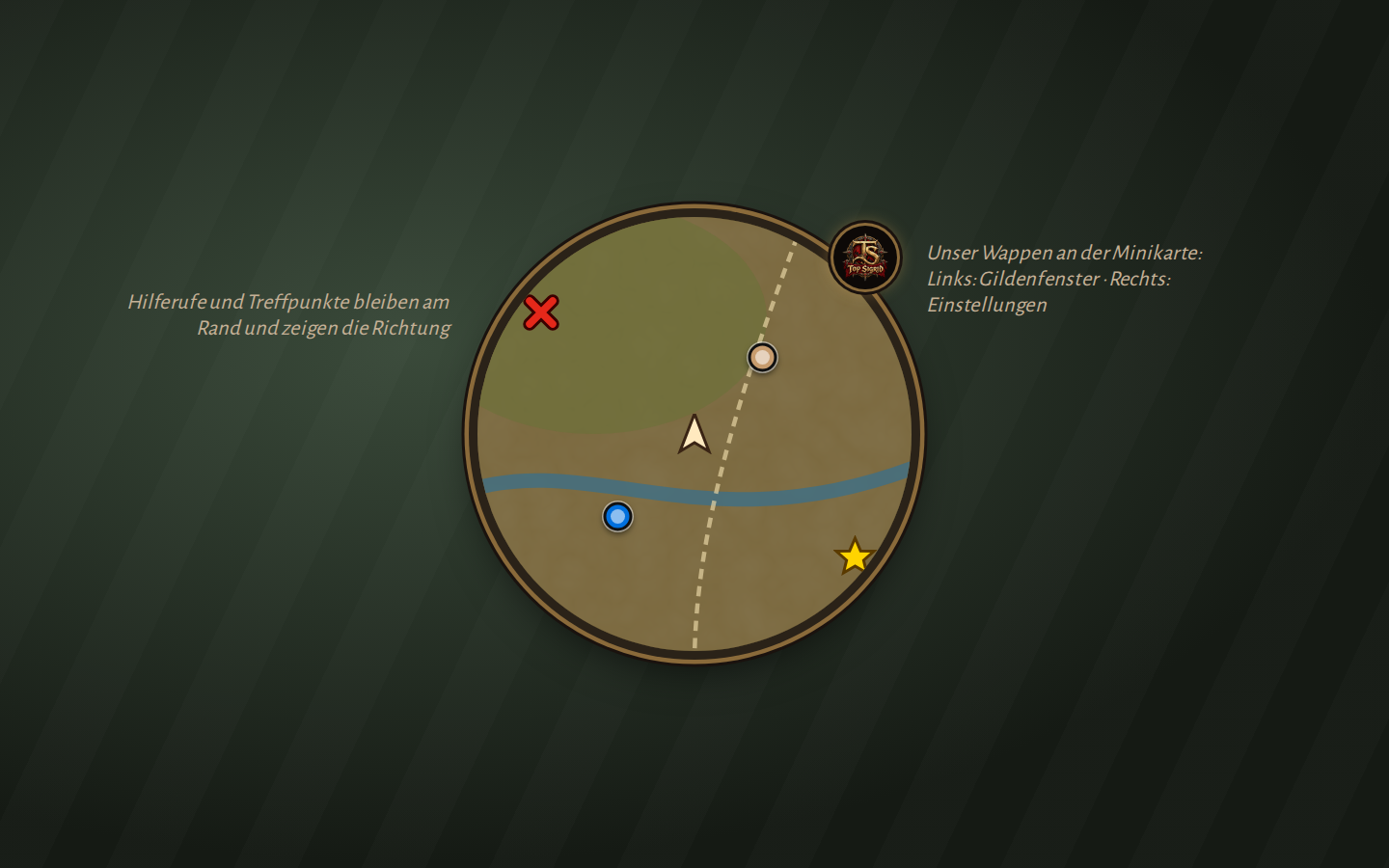
Icons on the minimap
- Guild members within minimap range appear as a small dot in class colour (a skull if dead). People further away are not shown.
- Call for help (red cross), meeting point (yellow star) and campfire (flame) stay pinned to the minimap edge when they are outside its range – that way they show the direction.
- Gathering spots from the gathering map only appear when they are in range.
- Hovering shows the same tooltip as on the world map. Right-clicking a red cross works here too.
The addon takes the minimap zoom level (indoors and outdoors) and a rotating minimap into account.
The crest button
A round button with the guild crest sits at the edge of the minimap:
- Left-click: guild window
- Right-click: settings
- Drag: move the button around the minimap (its position is saved)
Settings
- Einstellungen → Karte → Gildenmitglieder auf der Minikarte (guild members on the minimap, default on).
Note: Switching off "Gildenmitglieder auf der Minikarte" removes all addon icons from the minimap – including calls for help, meeting points, campfires and gathering spots.
- Gathering spots additionally have "Auch auf der Minikarte" (also on the minimap) on the gathering map page.
- "Gruppenmitglieder ausblenden" (hide group members) applies here as well.
Limitations
- The minimap only shows things on your current continent.
- Dungeons have no coordinates, so no addon icons there.
Found a bug or have an idea? Report it here (English is fine)